
The Popup Perfected
Privy popups help you capture attention at the right moment—without hurting the shopping experience. Turn traffic into email and SMS subscribers, promote offers, and recover abandoning visitors with popups designed to convert.
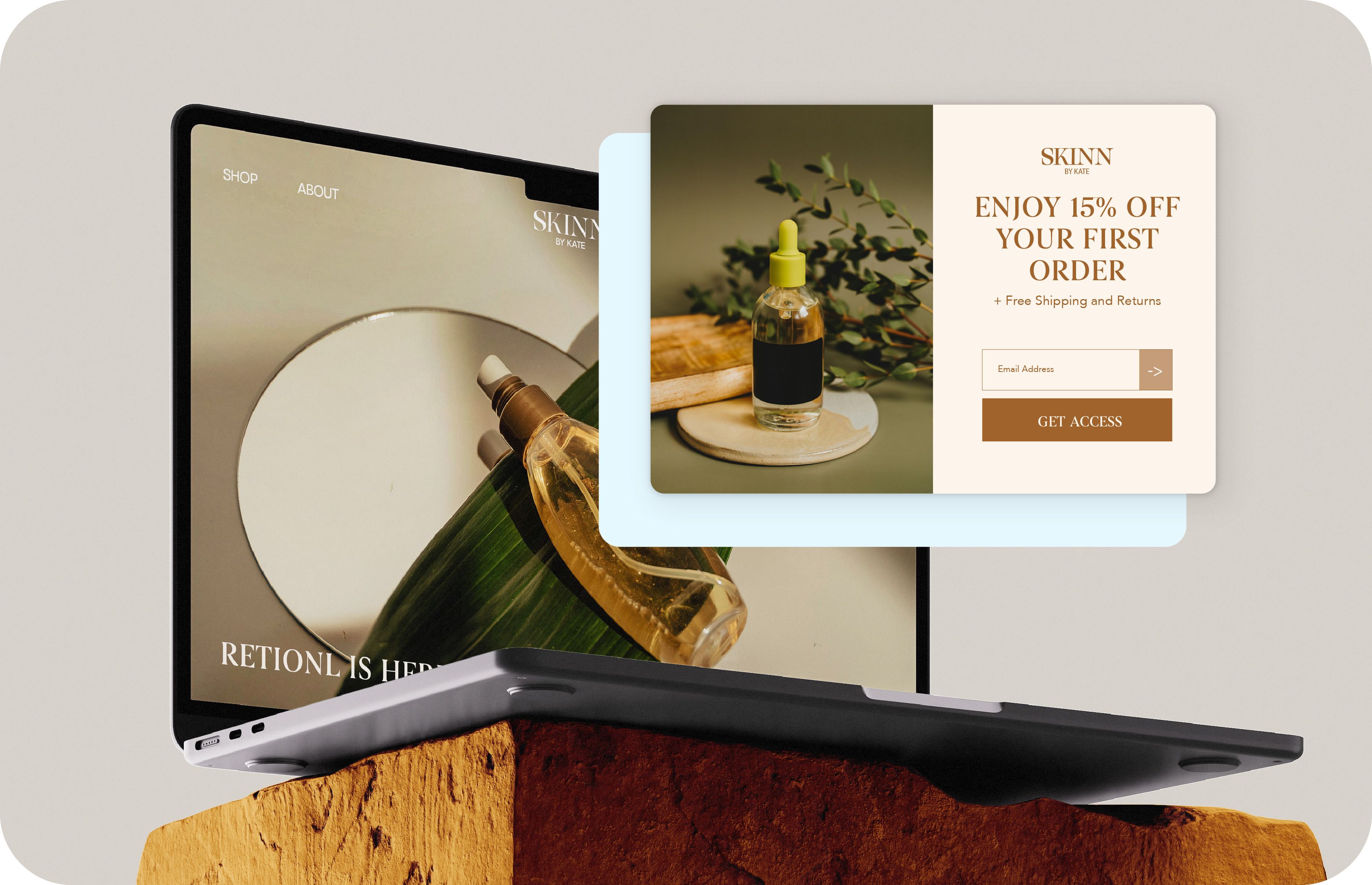
High-Converting Ecommerce Popups
Launch targeted popups in minutes to grow your list, promote offers, and recover abandoning shoppers—no code required.
CONVERT MORE VISITORS
Capture emails, SMS subscribers, and purchases by showing popups at the exact moment shoppers are ready to act.
TARGET BY REAL BEHAVIOR
Trigger popups based on exit intent, time on site, pages viewed, device, and customer status.
LAUNCH WITHOUT CODE
Build, customize, and publish popups in minutes with an easy drag-and-drop editor.
Powerful Popup Features
Top-performing Templates
Email & SMS Capture
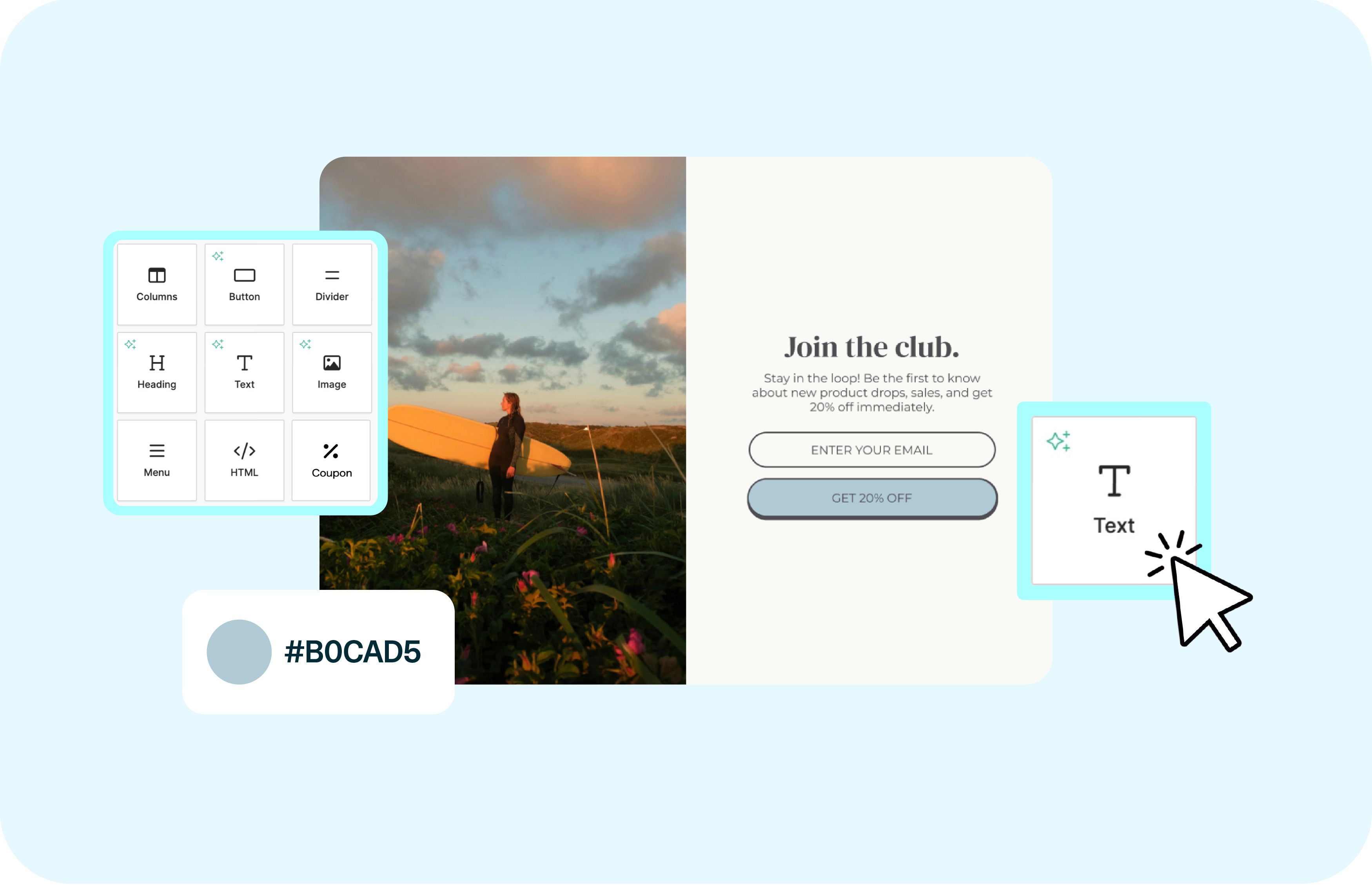
Privy popups integrate directly with your email and SMS marketing. Every signup flows into your audience automatically, ready for segmentation, automation, and follow-up campaigns—no extra tools required.
Top-performing Templates
Email & SMS Capture
Privy popups integrate directly with your email and SMS marketing. Every signup flows into your audience automatically, ready for segmentation, automation, and follow-up campaigns—no extra tools required.
Flexible Editor
Drag-and-Drop Editor
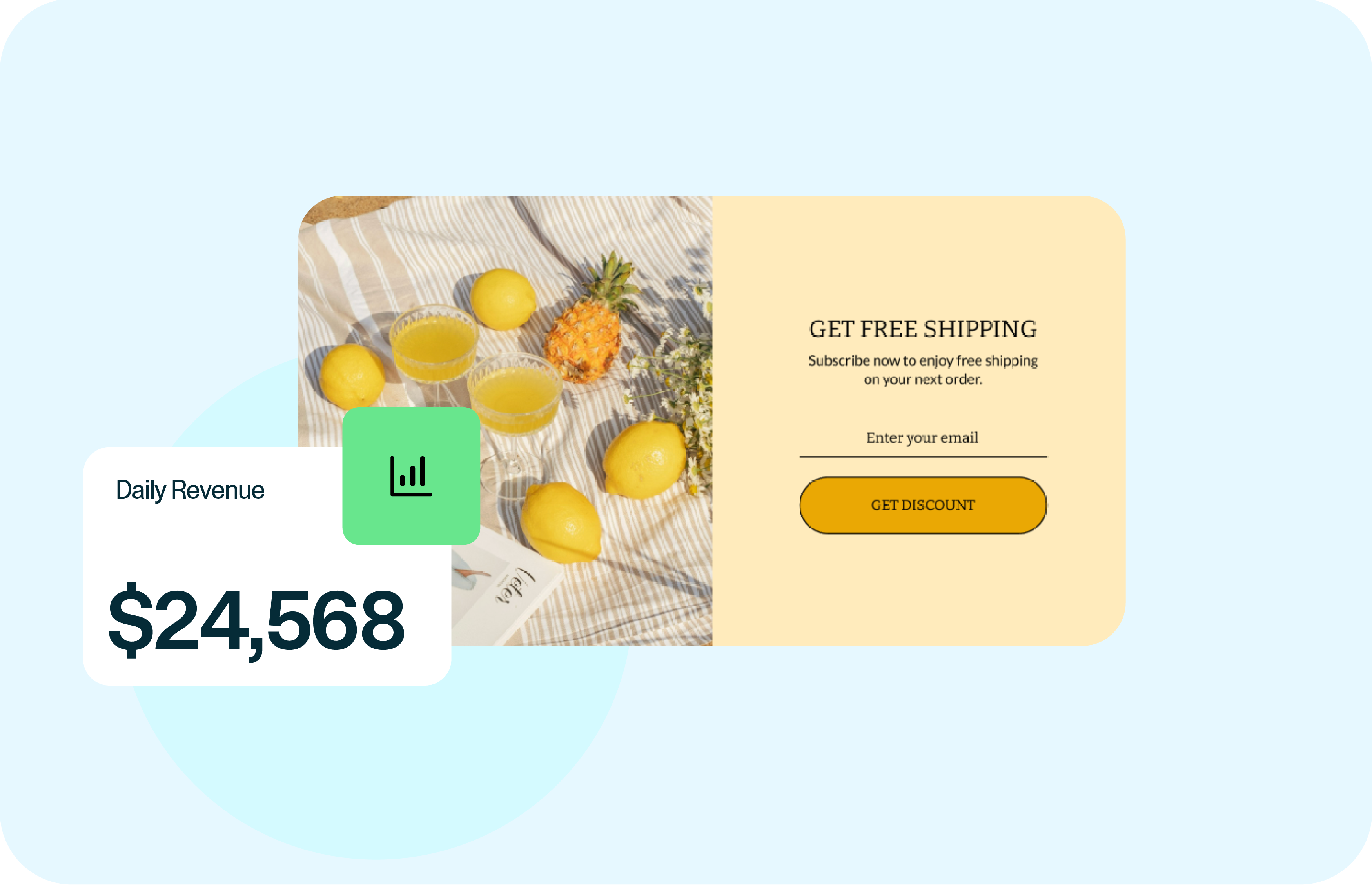
Privy popups are fully customizable to match your brand, mobile-optimized by default, and built to load fast without slowing down your Shopify store. They work seamlessly across all traffic sources, so every visitor gets a smooth, consistent experience—no matter where they come from.
Flexible Editor
Drag-and-Drop Editor
Privy popups are fully customizable to match your brand, mobile-optimized by default, and built to load fast without slowing down your Shopify store. They work seamlessly across all traffic sources, so every visitor gets a smooth, consistent experience—no matter where they come from.
Flexible Editor
Multiple Popup Formats

Choose from a range of high-performing popup formats built for ecommerce, including exit-intent popups to recover abandoning visitors, email and SMS signup popups to grow your list, free shipping and discount offers that drive conversions, announcement bars and banners for timely promotions, and spin-to-win popups that gamify signups and boost engagement.
Flexible Editor
Multiple Popup Formats
Choose from a range of high-performing popup formats built for ecommerce, including exit-intent popups to recover abandoning visitors, email and SMS signup popups to grow your list, free shipping and discount offers that drive conversions, announcement bars and banners for timely promotions, and spin-to-win popups that gamify signups and boost engagement.
Why Use Privy Popups
Privy popups help you capture attention at the right moment—without hurting the shopping experience.
Built for ecommerce conversion
Designed specifically for online stores, not generic lead capture.
Behavior-based targeting
Show the right popup based on intent, timing, and customer actions.
Easy to launch, easy to optimize
No code, no complexity—just results.
How it Works
- Pick a goal – grow subscribers, boost sales, or reduce abandonment.
- Customize your design – drag, drop, and edit—no developer needed.
- Set your trigger rules – time on page, exit intent, scroll depth, or cart value.
- Publish and watch results roll in – track conversions and revenue right in your Privy dashboard.